
To request support from Trustonic, click on the "Submit a request" link top right
Then please fill out the details of your issue using the form provided:
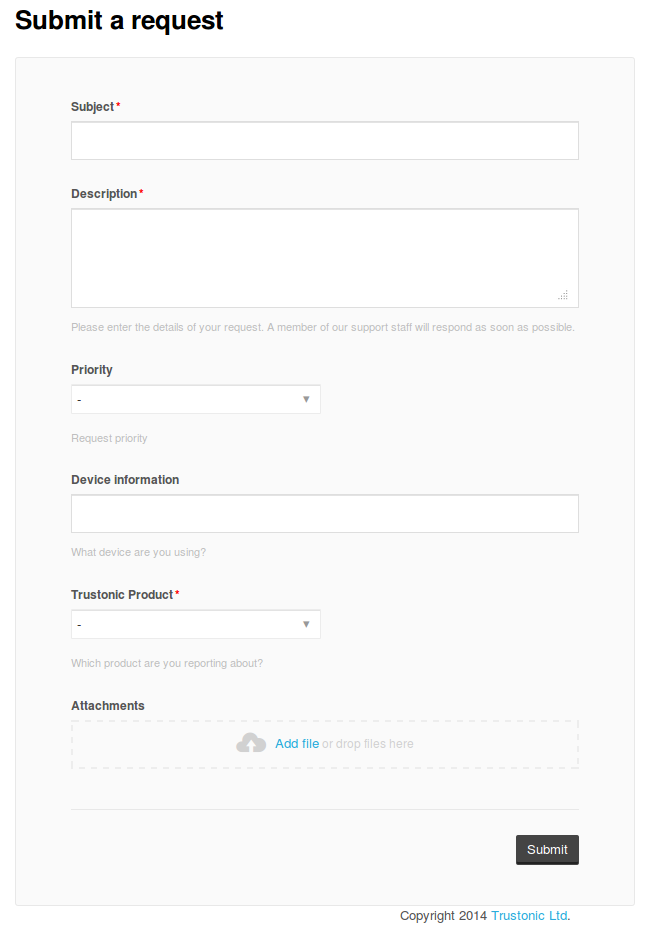
Please include as much detail as possible, in particular:
- Device information, i.e. S4 GT-I9500;
- Attach any supporting log files, for example the logcat output of the application;
- Trustonic platform information (screen shot from TBaseInfo);
- The SUID of your device.
When you're done, just click Submit and an agent will get back to you as soon as possible.
Comments
Please sign in to leave a comment.